 0
0 I forgot my password, what should I do?
Reset your password or username by using the email address registered with your Didik2U account. Below, we explain a simple process for resetting your password.
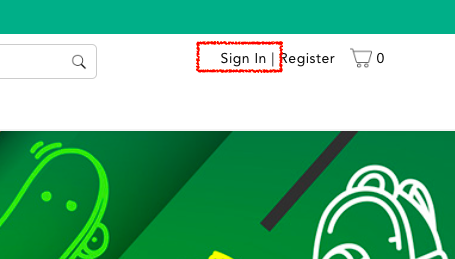
Step 01: Click on Sign In
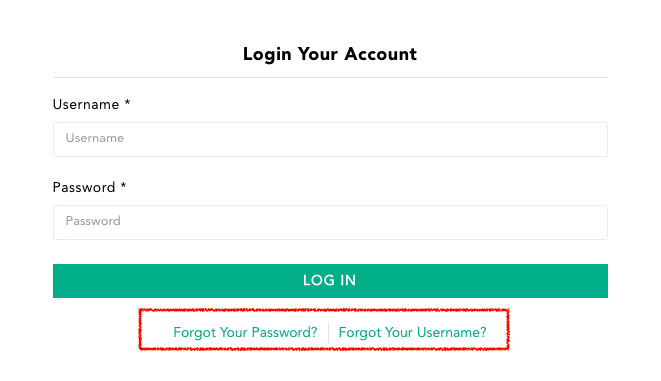
Step 02: Click on forgot password or forgot username to reset it.
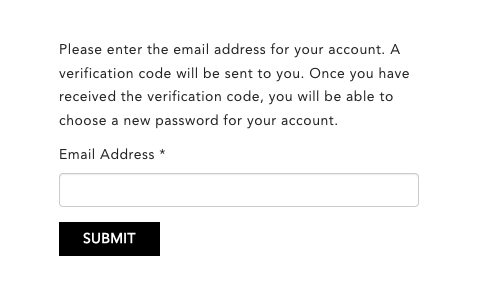
Step 03: Fill up your email address registered to your Didik2U account and click on Submit.
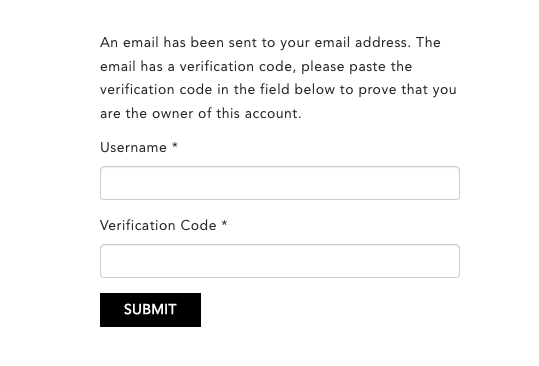
Step 04: A code for verification will be sent to your email address. Key in the code with your username to prove that this is your account.
Step 05: Key in new password, confirm password and click on submit button
Now that your reset process has been successful, you can log in to your account with your new password and continue shopping.
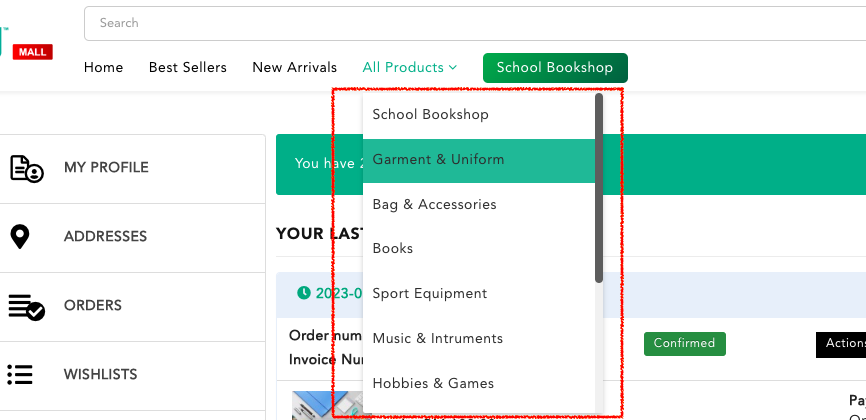
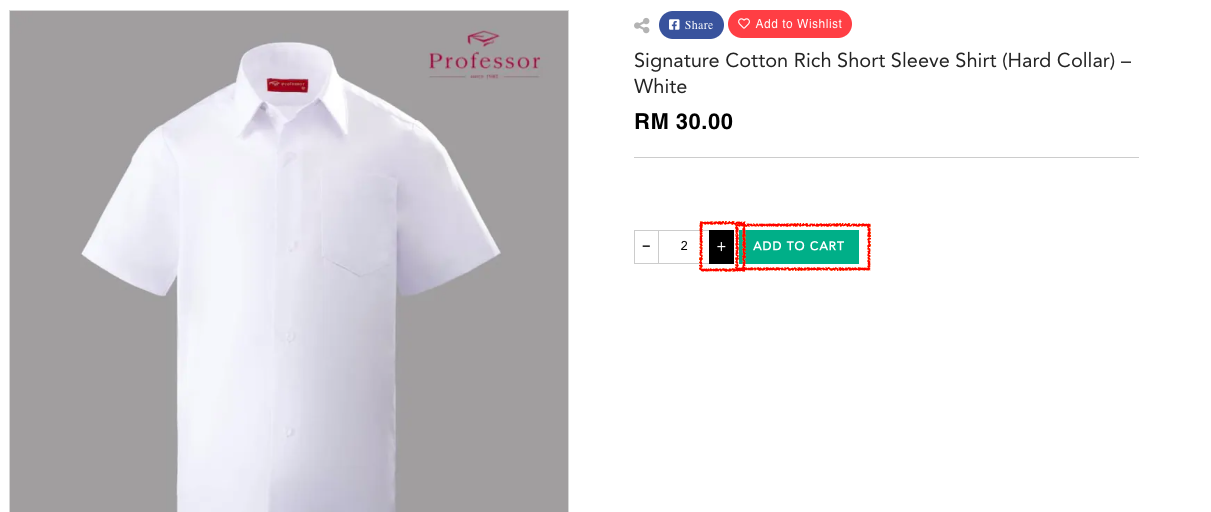
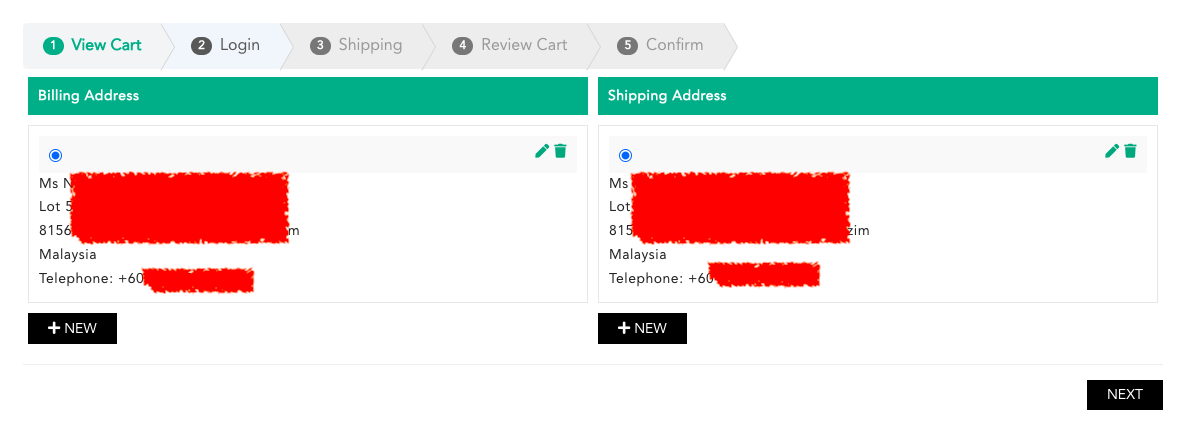
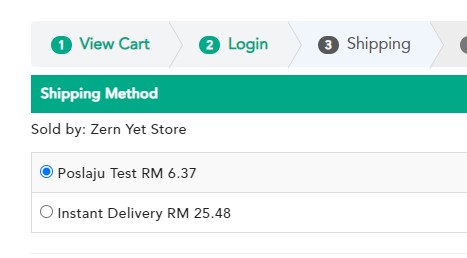
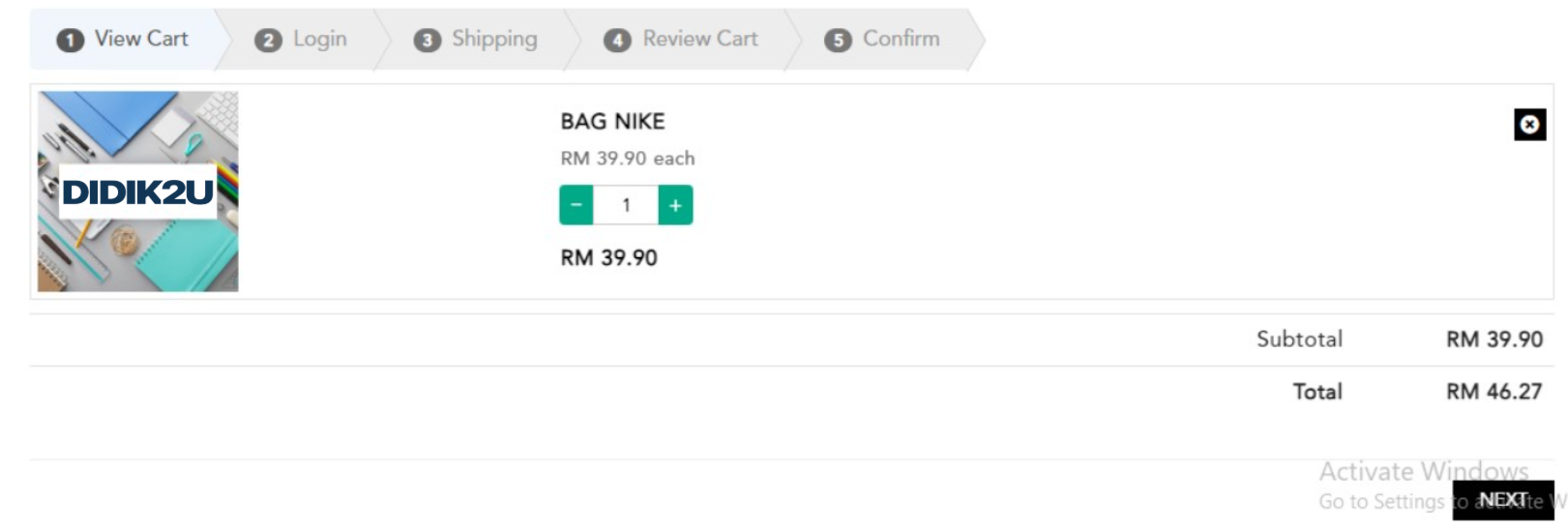
How do I place an order?

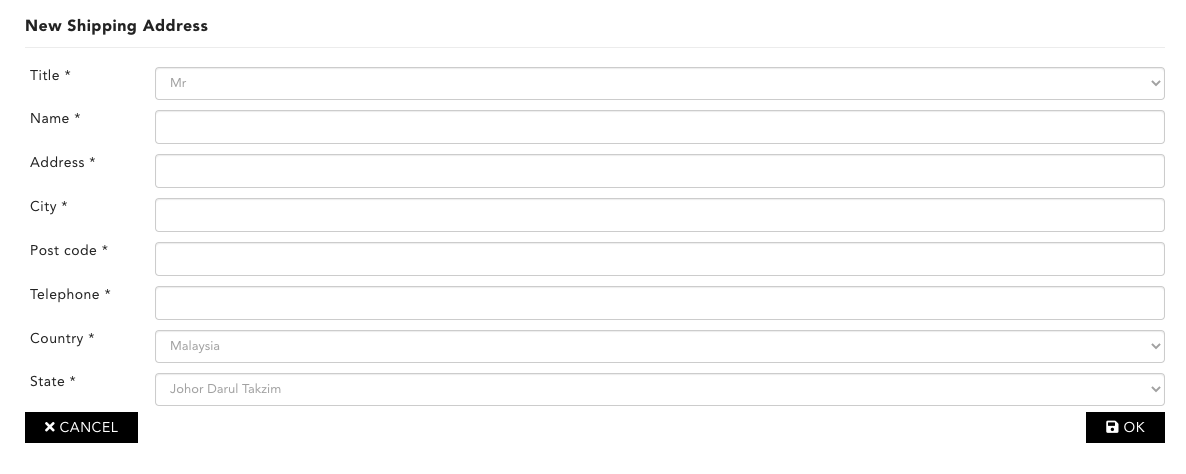
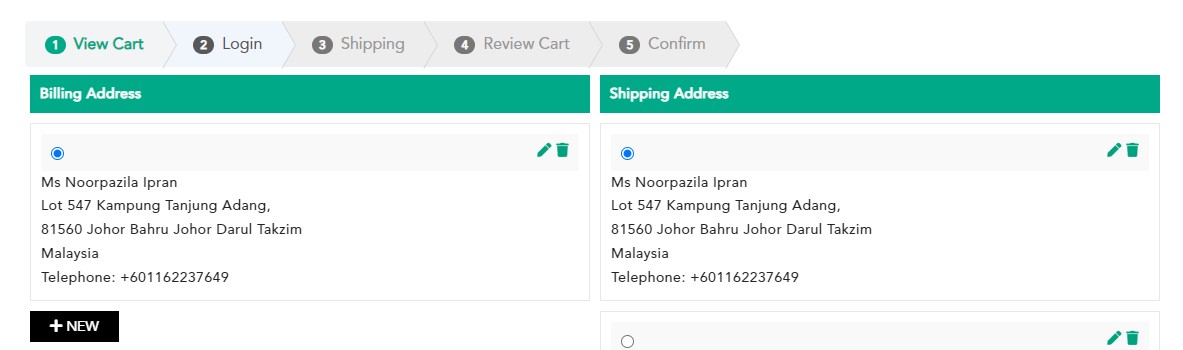
How do I edit my shipping address?

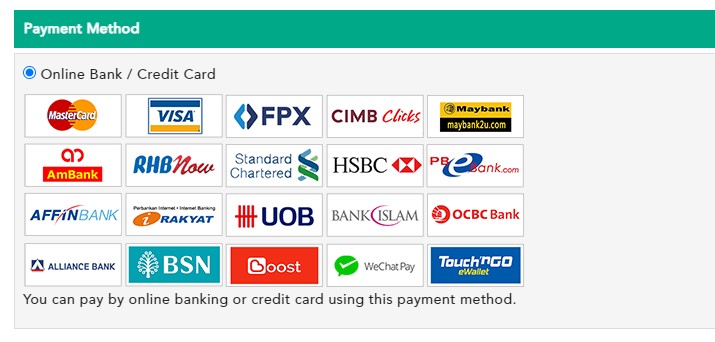
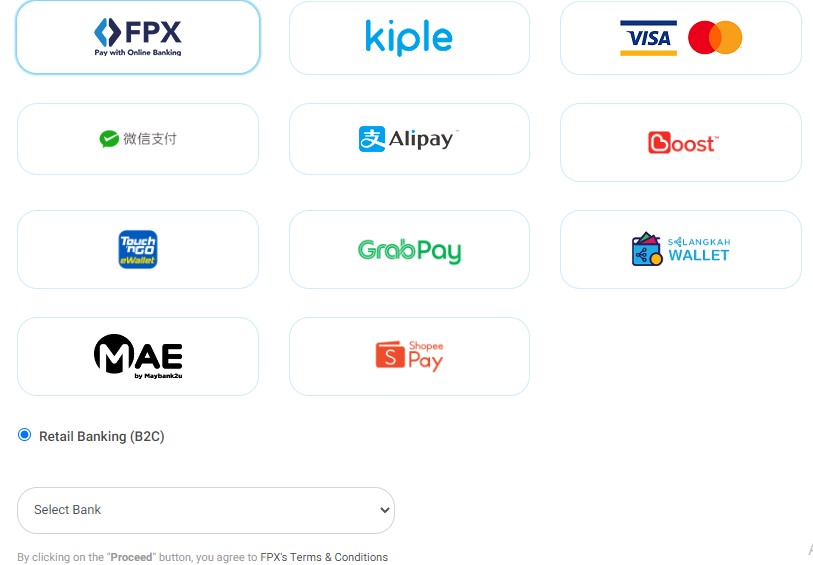
How do I make payment for my order?
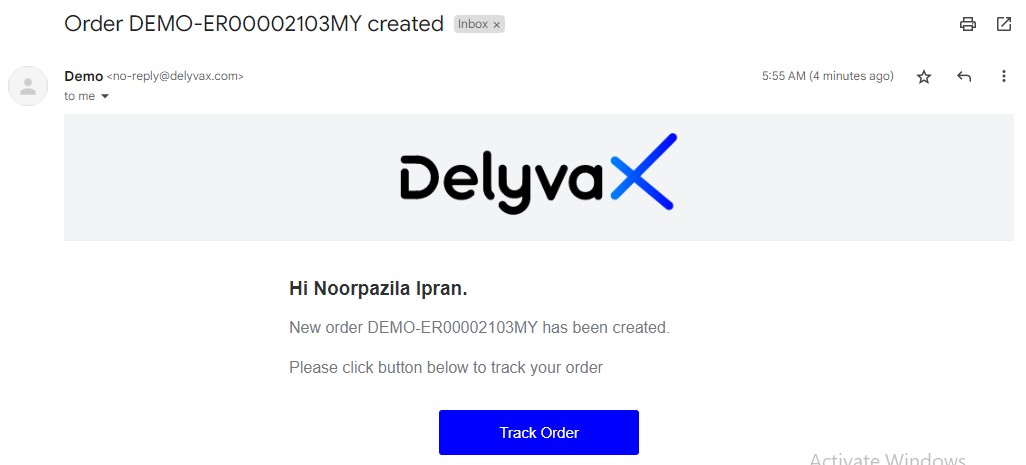
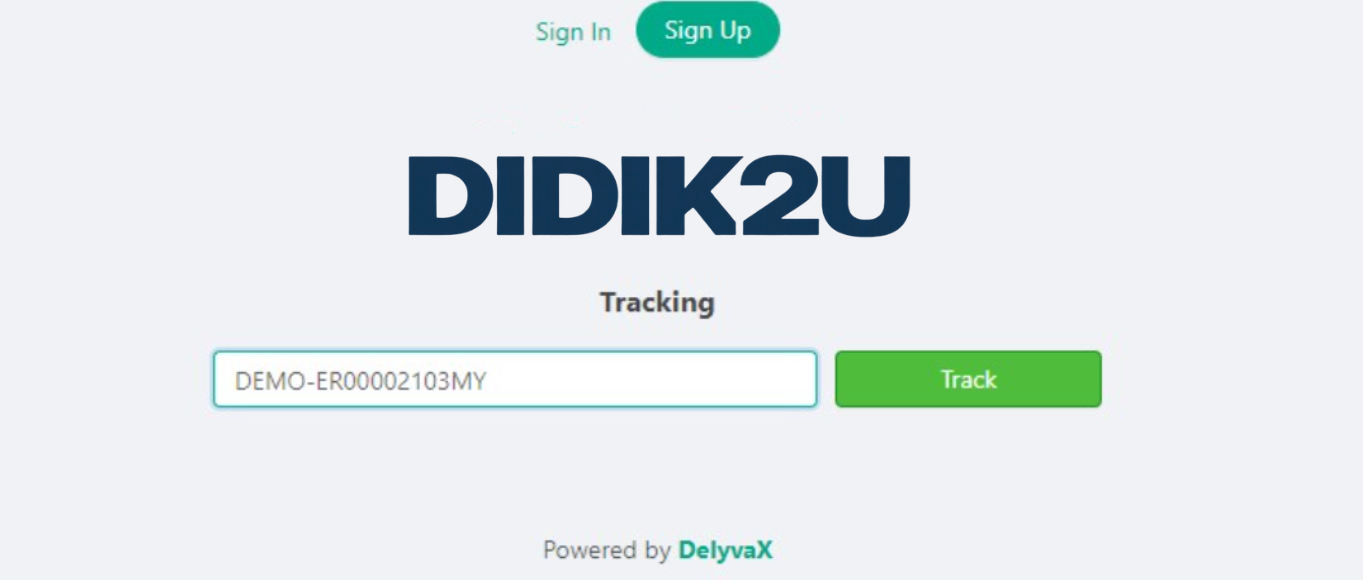
How do I track my order?
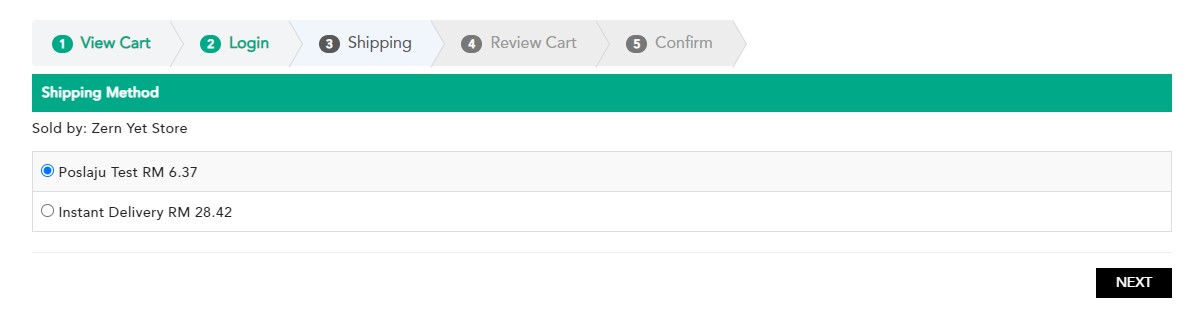
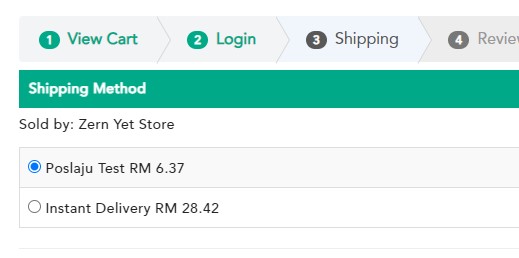
What is the shipping fee?

Didik2U At A Glance
BEST DEALS FOR ALL YOUR NEEDS!
Browse our wide range of products now!